Start here · 8 min read
Set up Opus from a fresh install
Complete the required settings, add a customer entry point, and run one safe test before accepting real requests.
What Opus does
Opus gives customers a self-service place to request a replacement, Shopify store credit, a same-product variant exchange, or a different-product exchange. Your team reviews every request. Opus does not change money, inventory, or fulfillment until an authorized staff member confirms the final Shopify action.
The five-minute setup
Open Apps → Opus Returns & Exchanges → Home
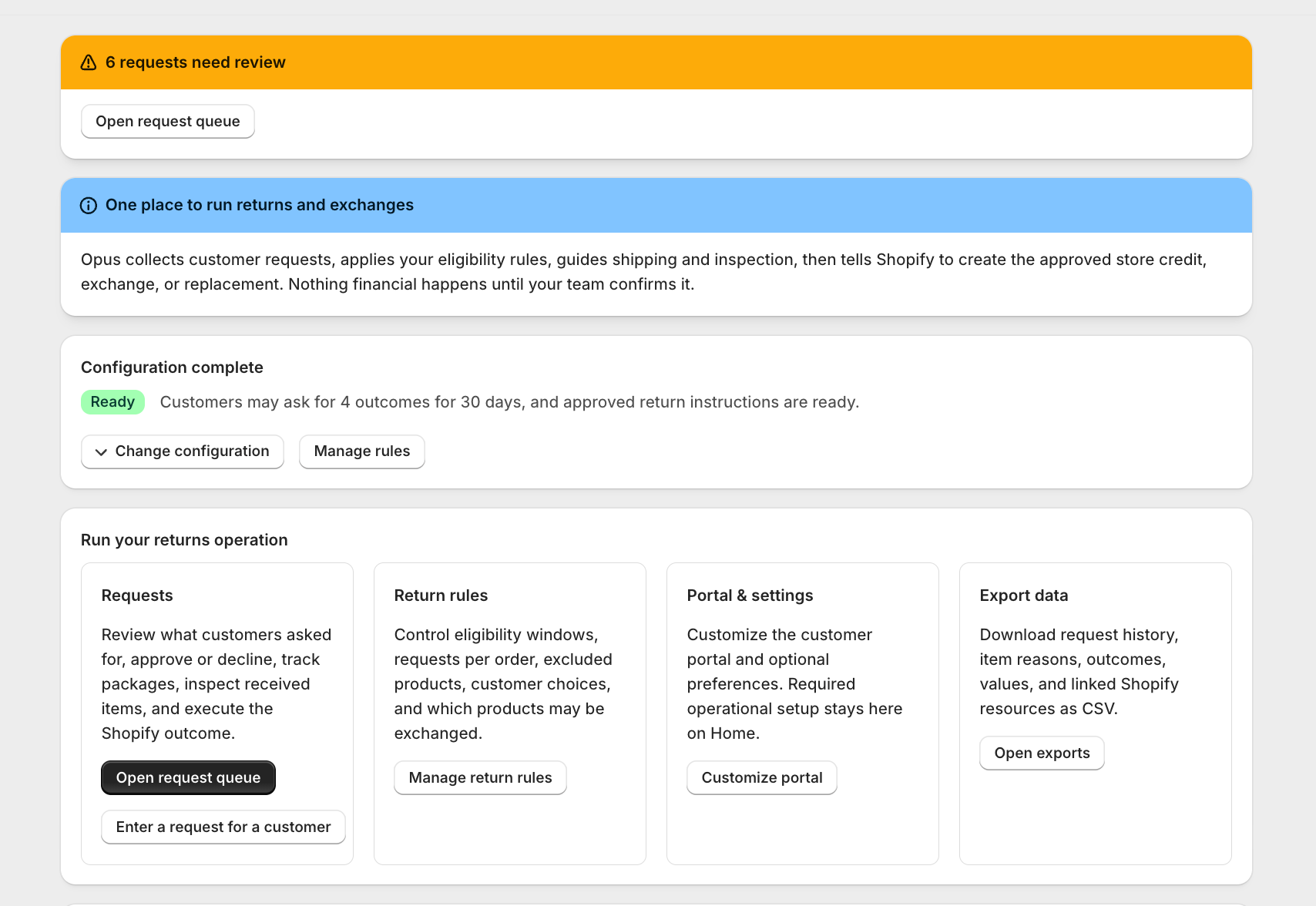
The Home page shows Finish setup until all required fields are saved. If it says Configuration complete, you can still select Change configuration to edit them.
Choose the request window
Enter how many days customers have to submit a request and choose whether counting begins on the order date or fulfillment date. Fulfillment date is the usual choice because the customer cannot inspect an item before it ships.
Choose what customers can request
Use the standard preset, exchange-first preset, replacement-only preset, or keep your custom choices from Return rules. You always make the final decision on each request.
Choose return shipping responsibility
Select customer-arranged postage or merchant-uploaded prepaid labels. Add a mailing address and plain-language packing instructions. These details appear only after approval when a shipment is required.
Save required setup
A green Ready badge confirms the operational settings are complete. Changes apply immediately to new customer requests.
Before you go live
- Open Return rules and confirm the request window, item exclusions, exchange catalog, and resolution choices.
- Add at least one storefront or customer-account entry point, then open it as a customer.
- Create a fulfilled test order with a real customer email you control. A draft or unfulfilled order might not be eligible.
- Submit one request, approve it, record shipping, receive it, calculate the Shopify amount, and complete it.
- Confirm the final Shopify Return, refund, credit, exchange fulfillment, replacement order, or invoice in the original Shopify order.
Still stuck?
Send the details support needs
Include your shop domain, Opus request number, Shopify order number, approximate time, and the exact visible error. Never send passwords, access tokens, or card data.
Contact support